

Schedule, payments and homework in one place
Plan lessons with Google Meet, track packages and payments, send homework to students in Telegram
Start for free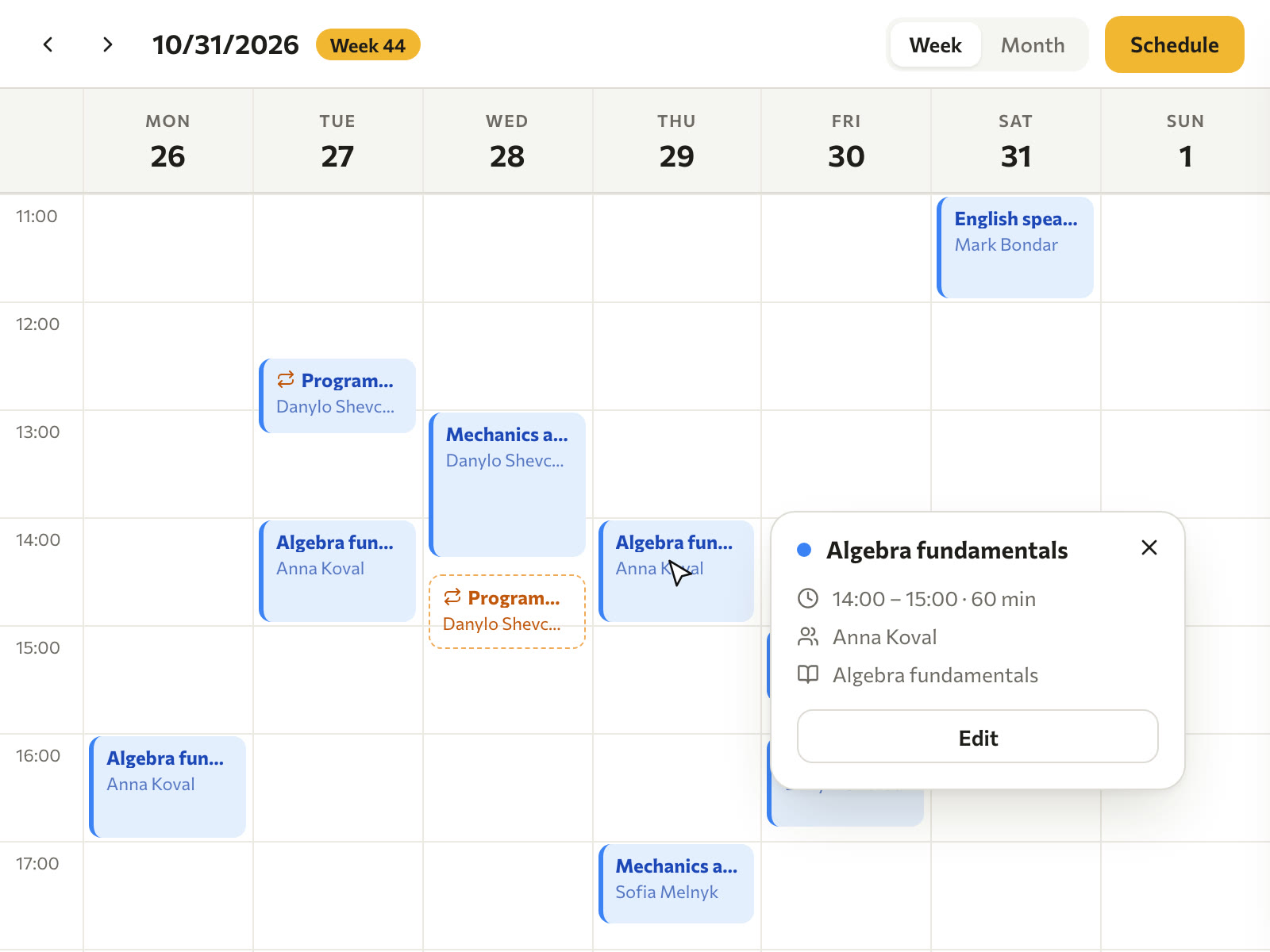
Fewer chats and spreadsheets, more teaching
Paideia does not replace Google Meet or Telegram. It brings them into one schedule.
Now
- Reschedules lost in chats
- Forgotten payments
- Progress in notes
In Paideia

 Paideia
- Schedule
- Payments
- Homework
- Progress
- Students reply in the schedule
- Packages count themselves
- Progress on one card
From the first lesson to the grade
Student
Add by hand or import from a spreadsheet. The first lesson can be a trial.
Lesson
The Meet link and the Google Calendar event are created for you.
Payment
Package, card or cash. The remaining lessons are counted for you.
Homework
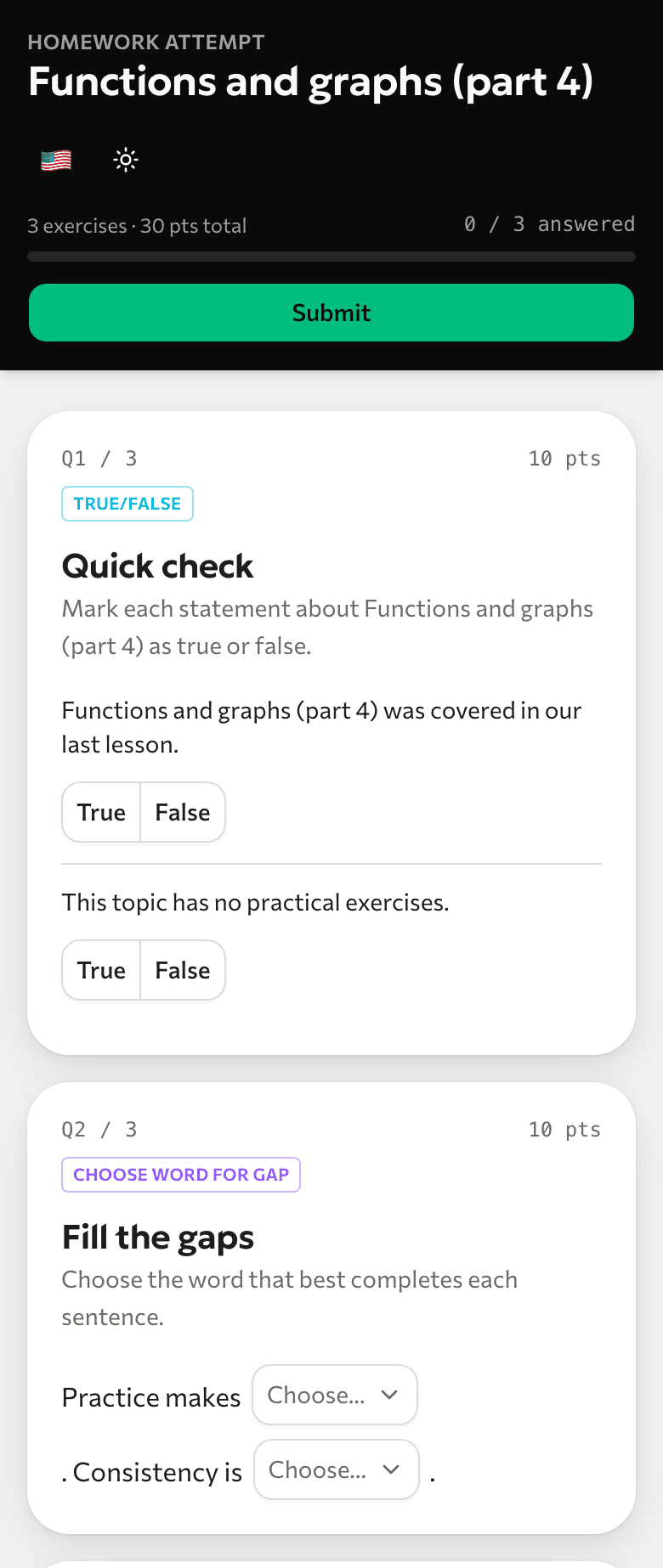
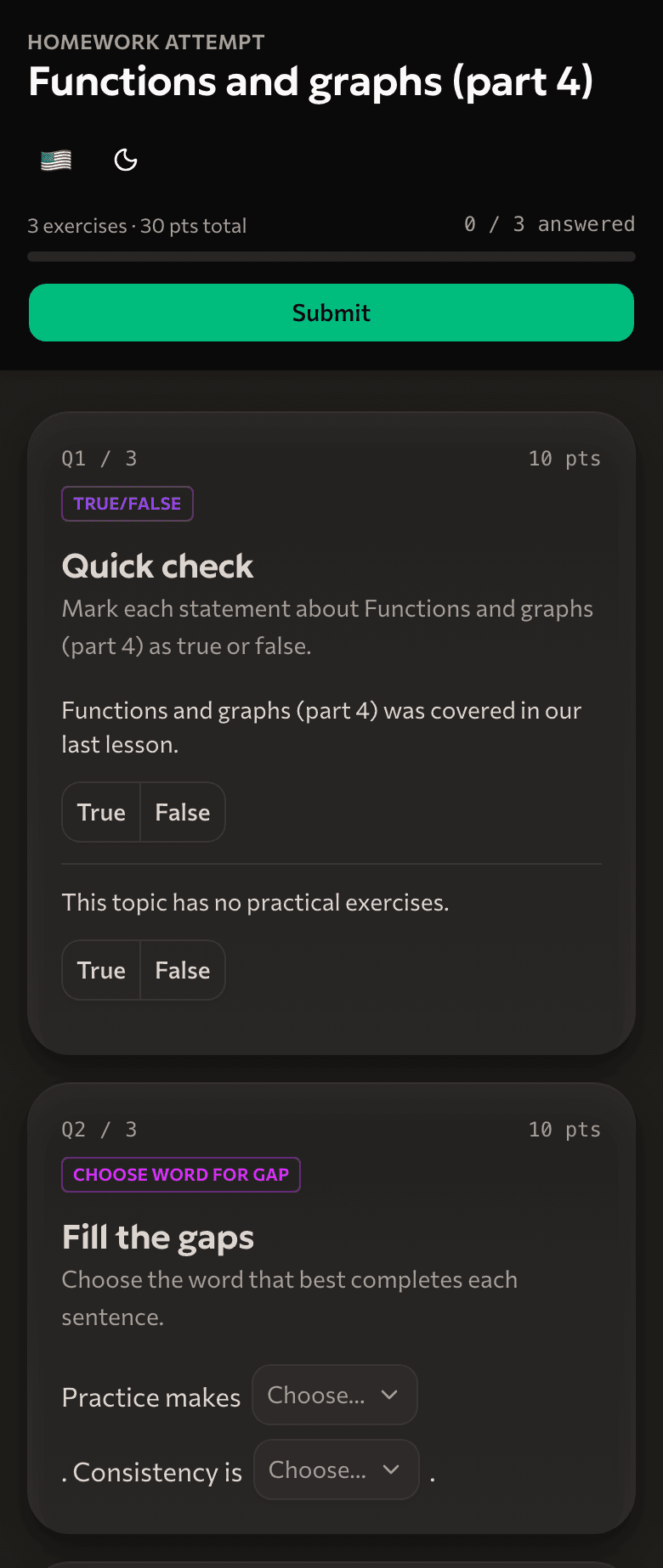
After the lesson the student gets it in Telegram.
Grade
Grades and finished homework build the student's progress.
Payments, homework and grades are available from the Pro plan
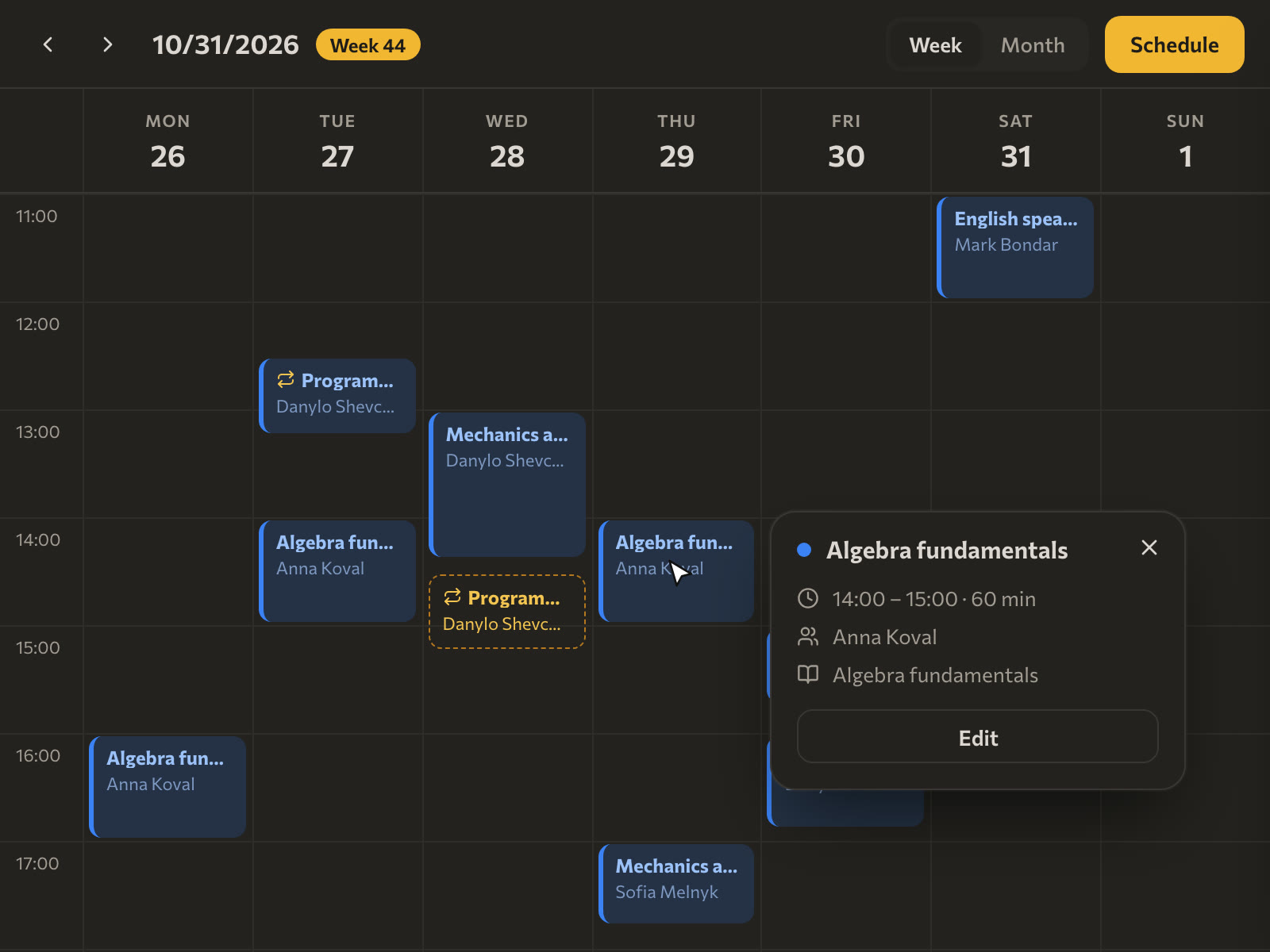
A schedule your students confirm themselves
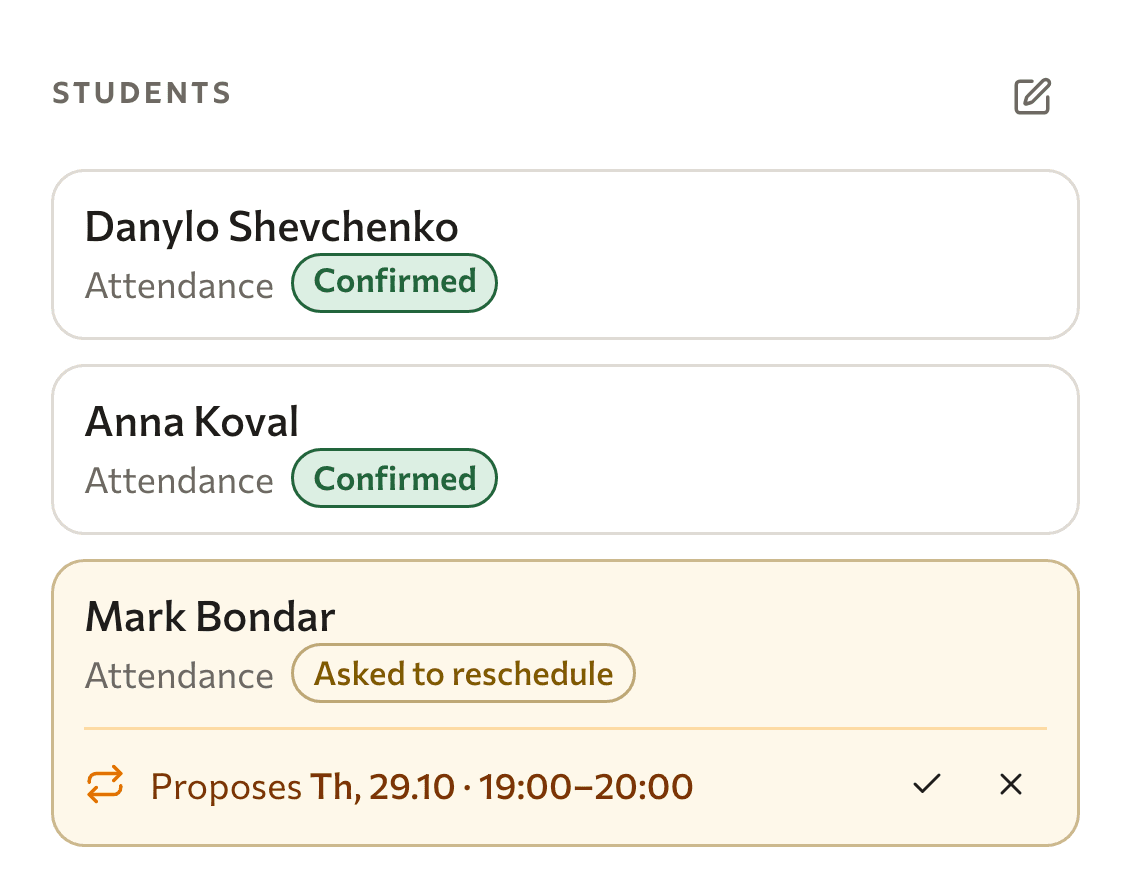
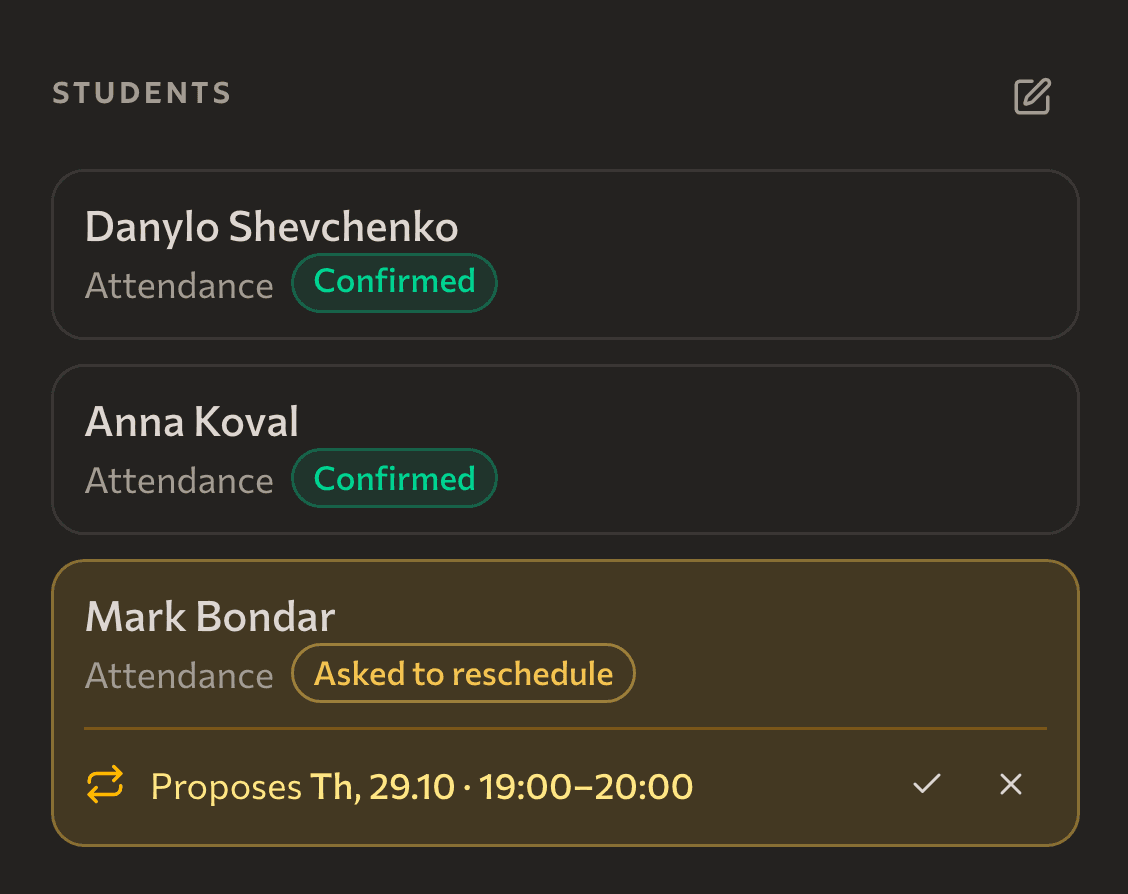
Students confirm, decline or ask to reschedule right from Telegram or Google Calendar. You see the reply right away.
- One-time, trial and recurring lessons (recurring from Pro)
- A reminder 30 minutes before, with a button to join Meet
- Your own Zoom or Teams link when you need it

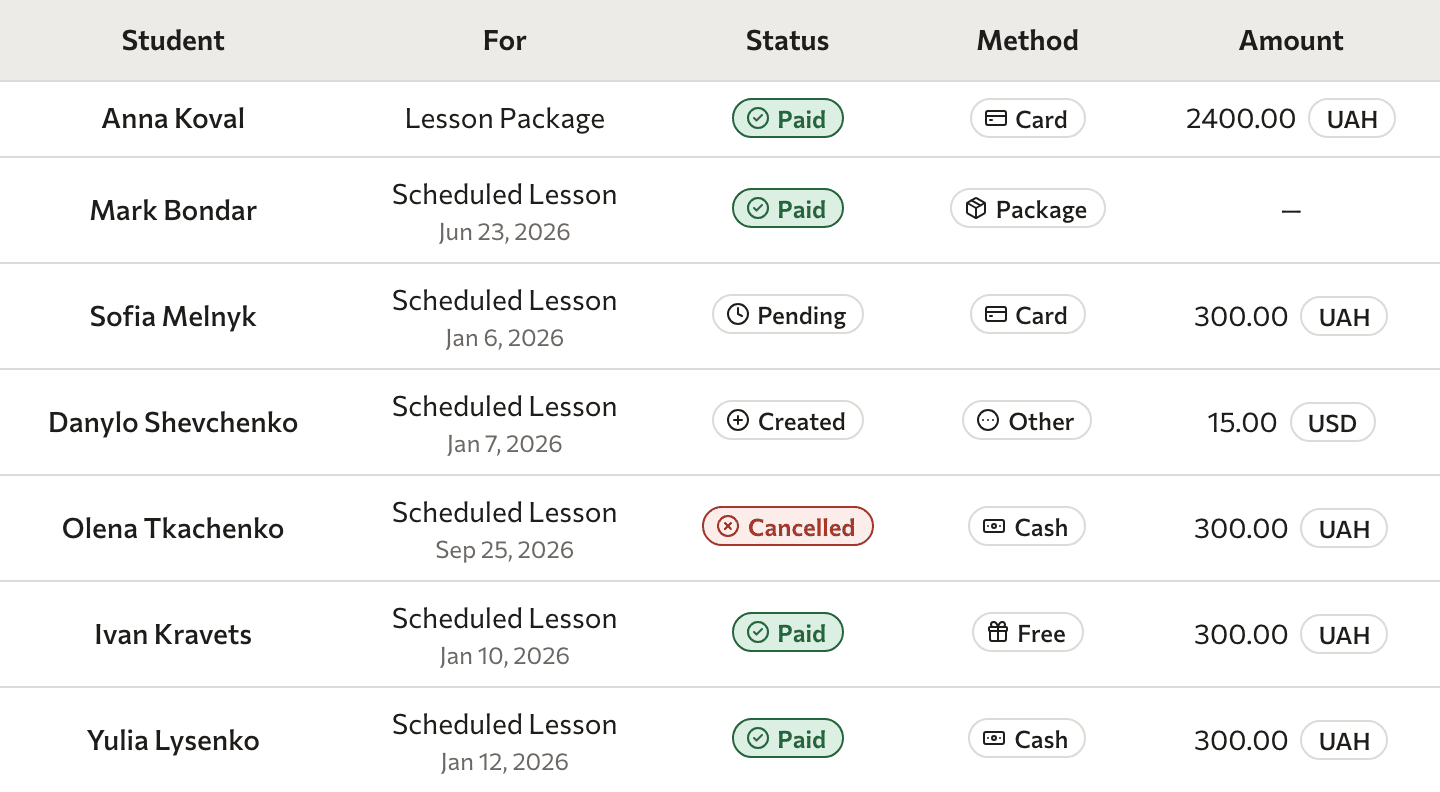
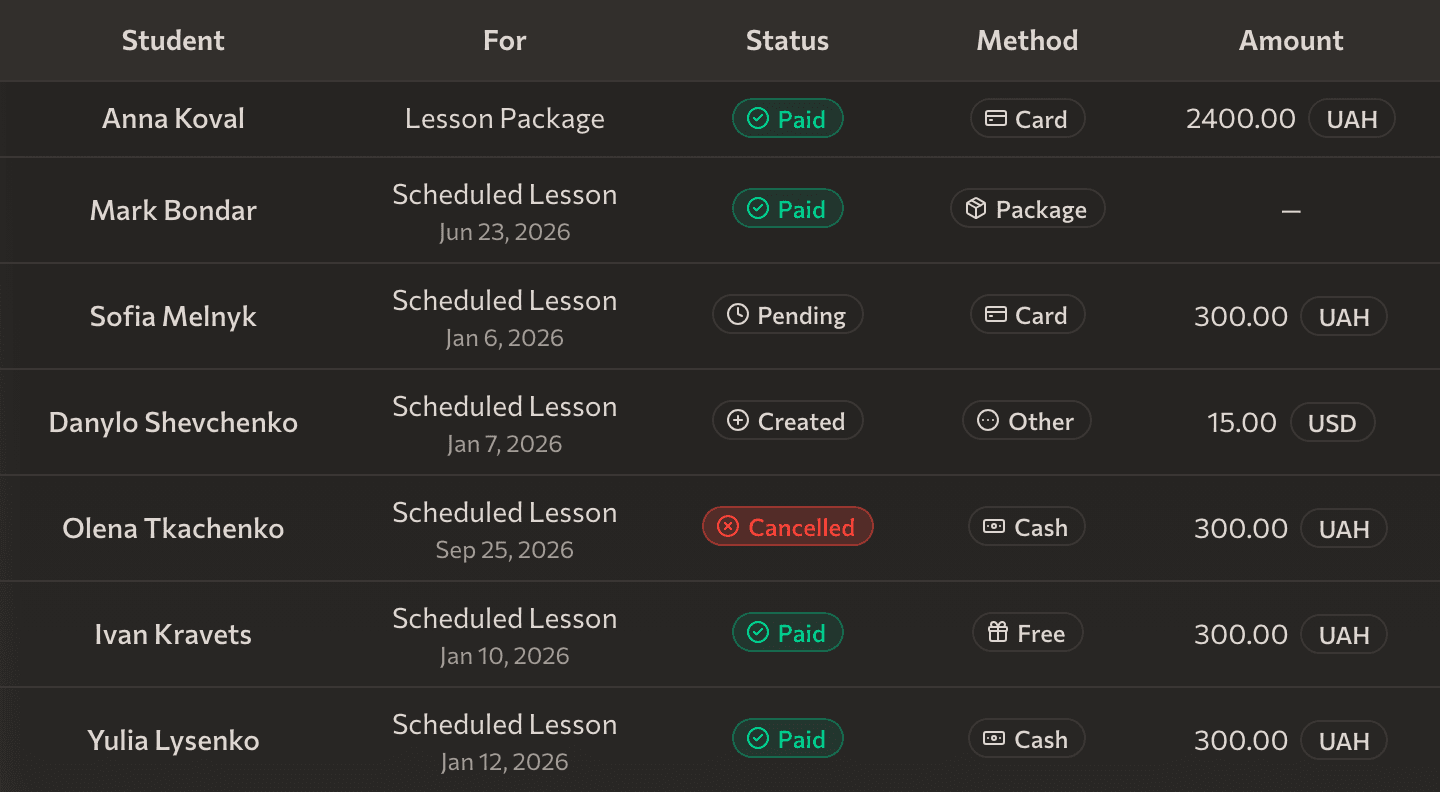
Every student payment in one table
See at a glance who has paid and whose payment is still pending. Paideia runs lesson packages for you: it deducts each lesson before or after it and notifies the student when the package runs out.
- Status of every payment and a history per student
- A PDF invoice emailed to the student once paid
- Package, card, cash or bank transfer
Paideia does not take payments: students pay you the way you agreed
Everything that happens between lessons
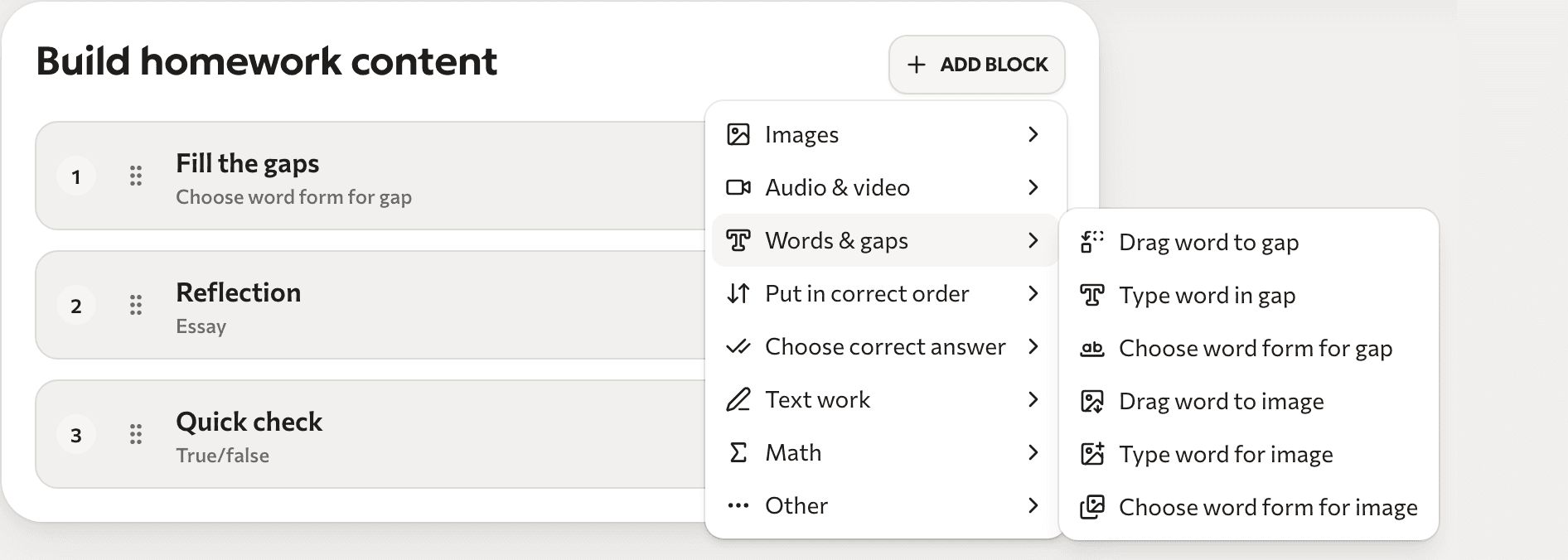
Homework
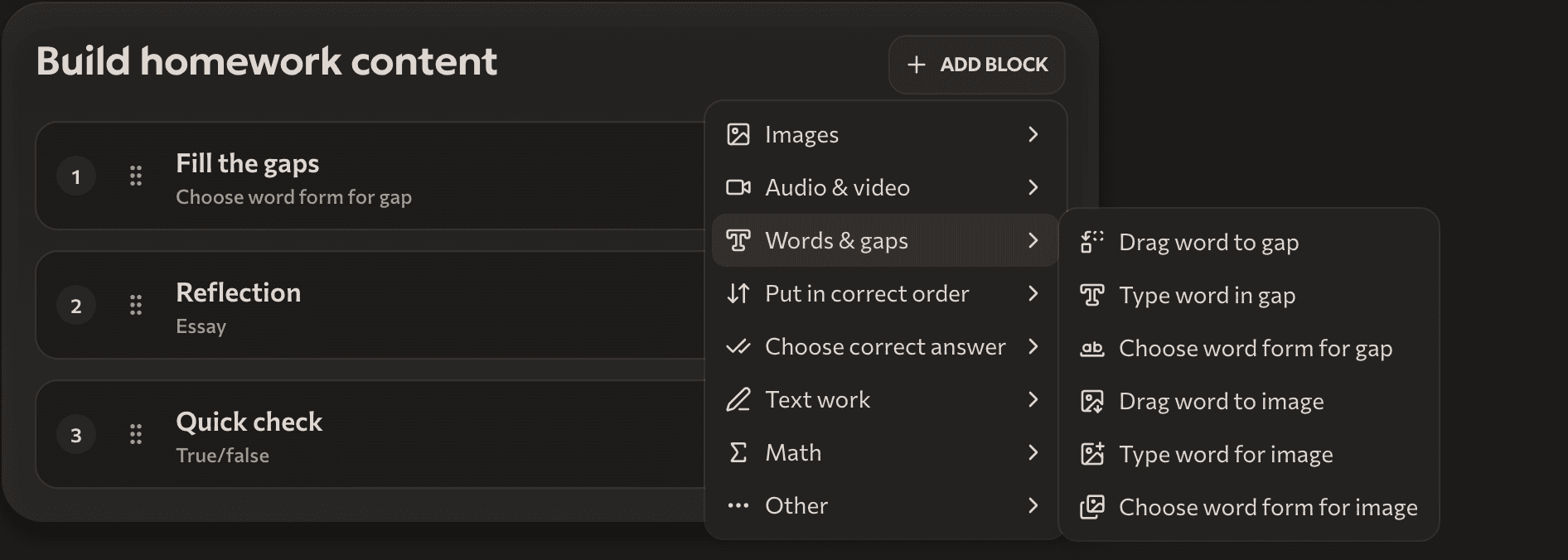
17 task types, from gaps and word order to audio and essays. Students do them on their phone from a Telegram link, and Paideia checks the tests itself.
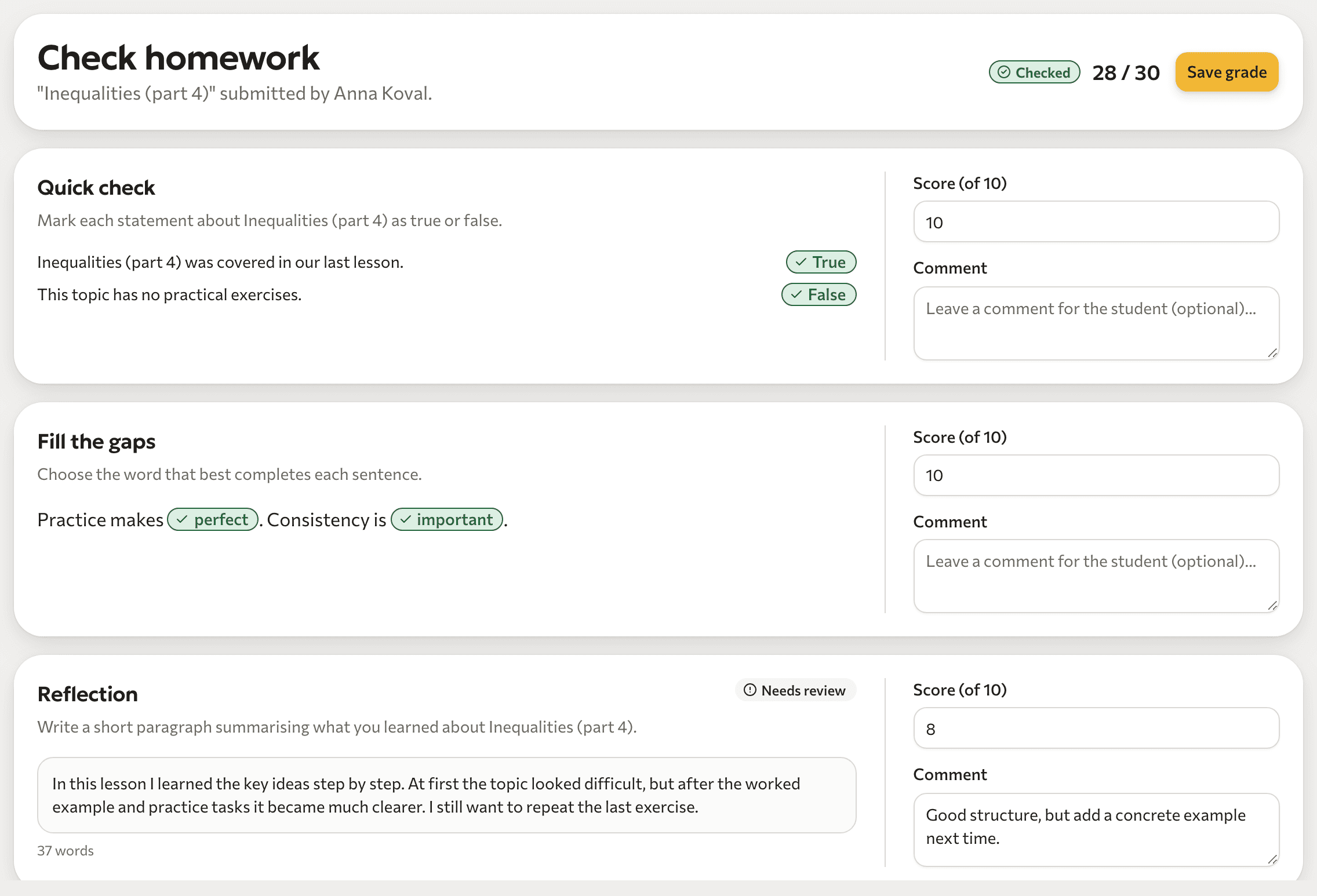
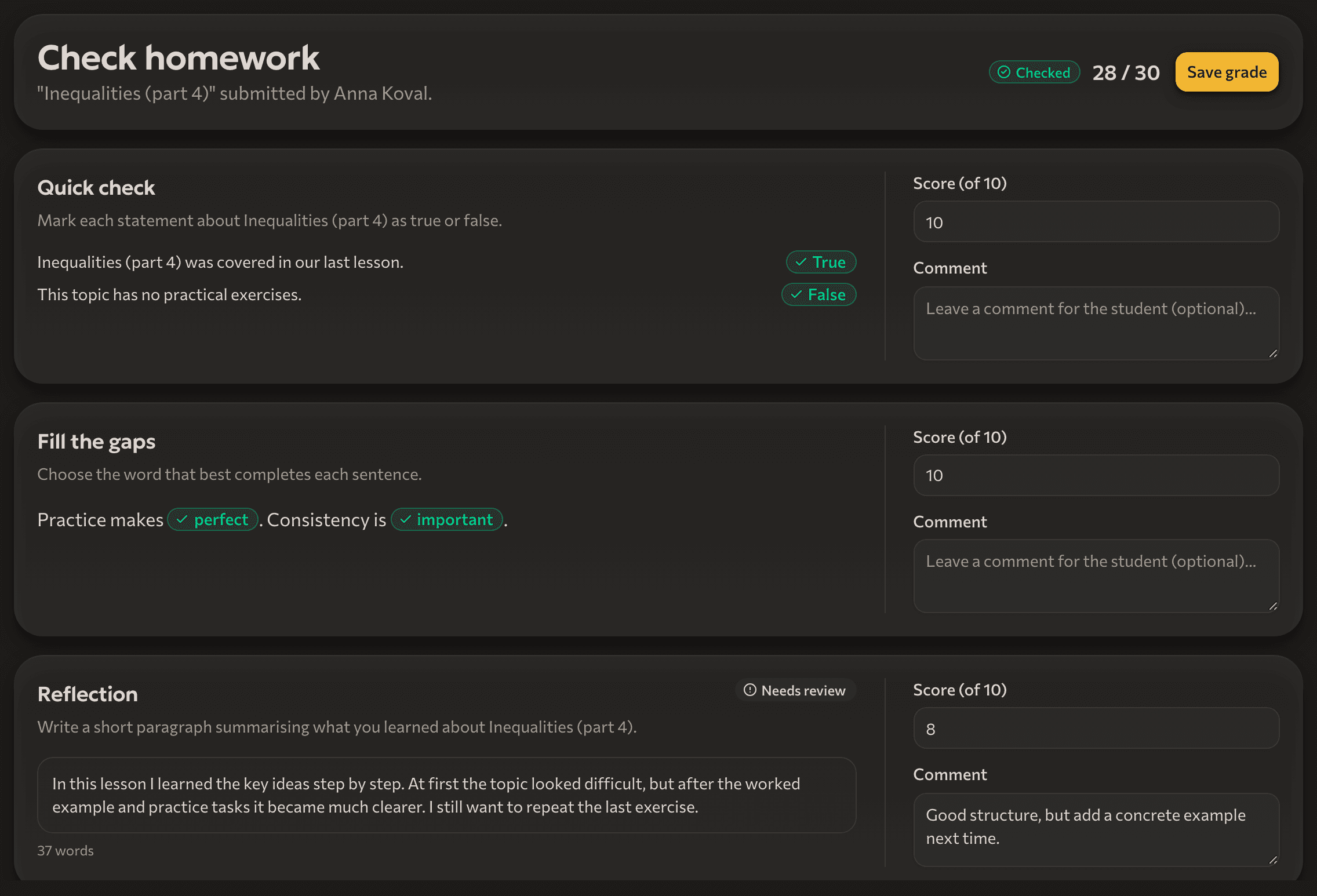
Student progress
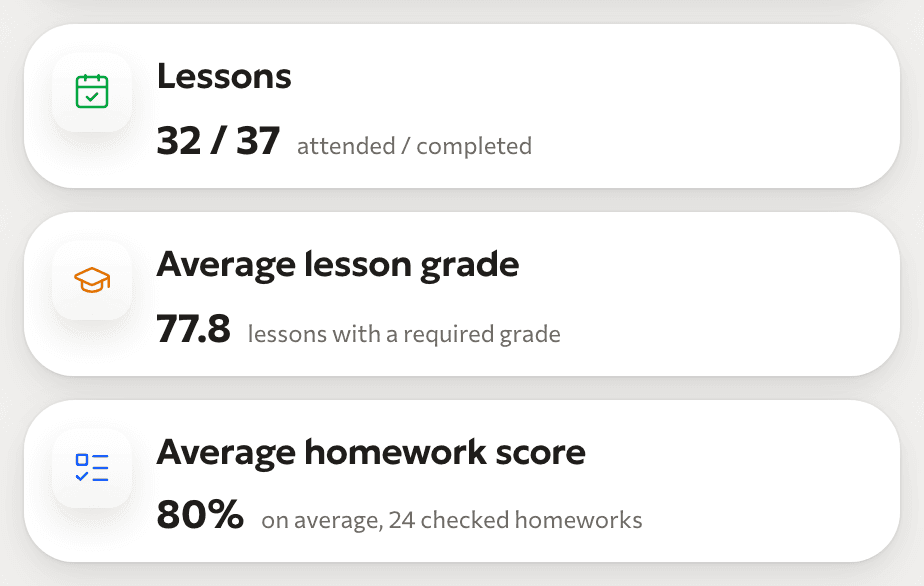
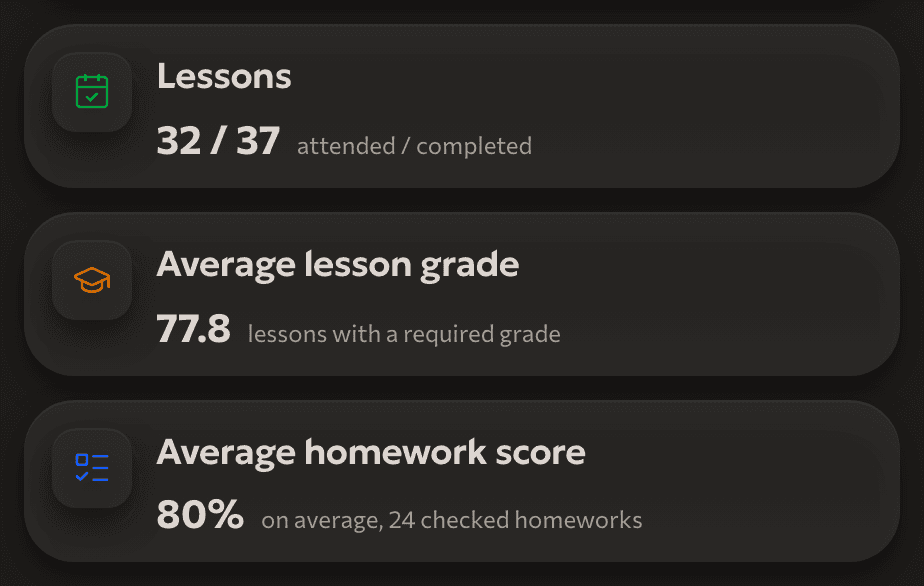
Grades 1-100, attendance and homework results on one card.
Telegram
Students get reminders, the meeting link and homework.
Student import
MaxMove your student list over with one Excel or CSV file, or a Google Sheet.
Attendance without a separate register
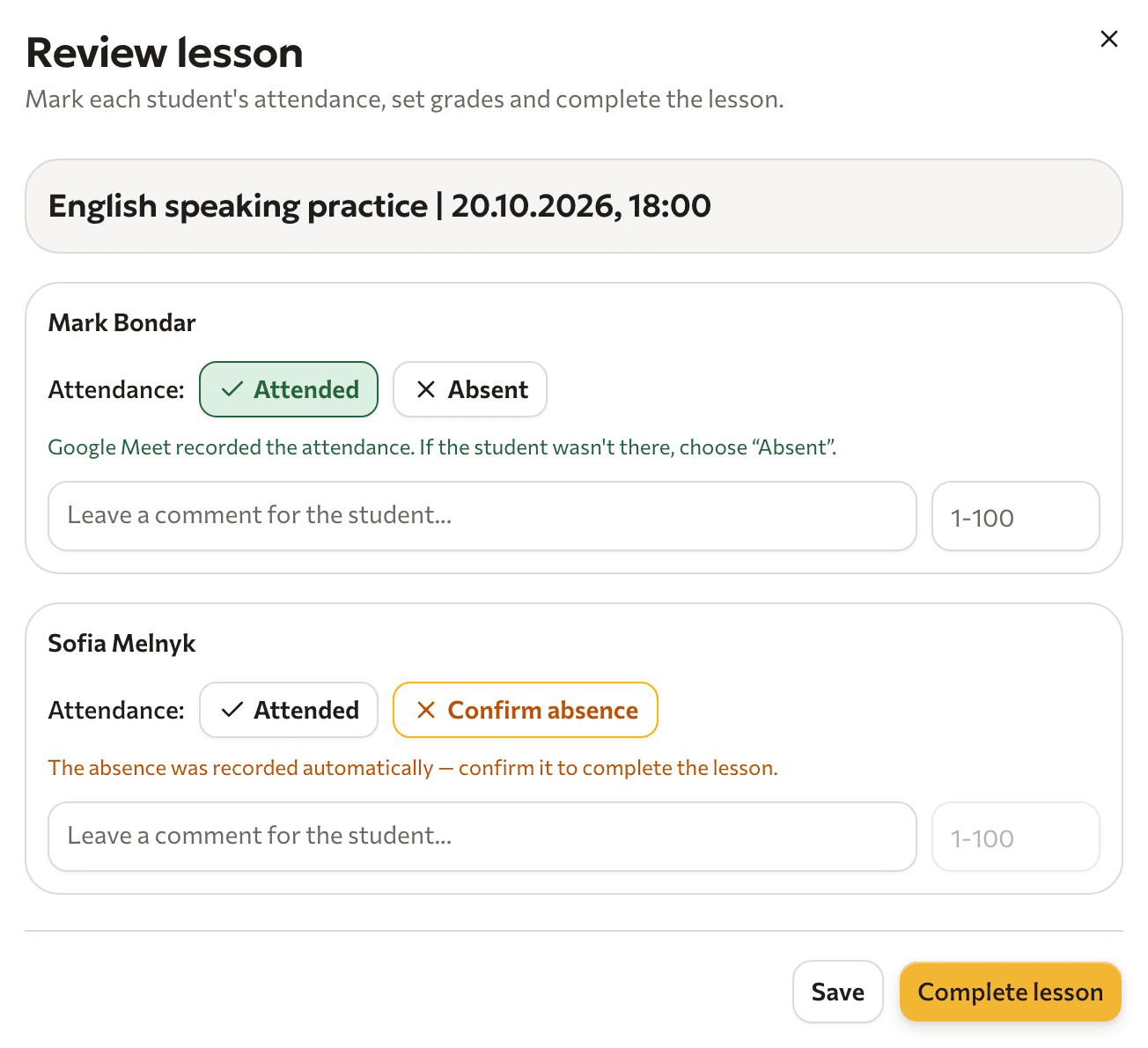
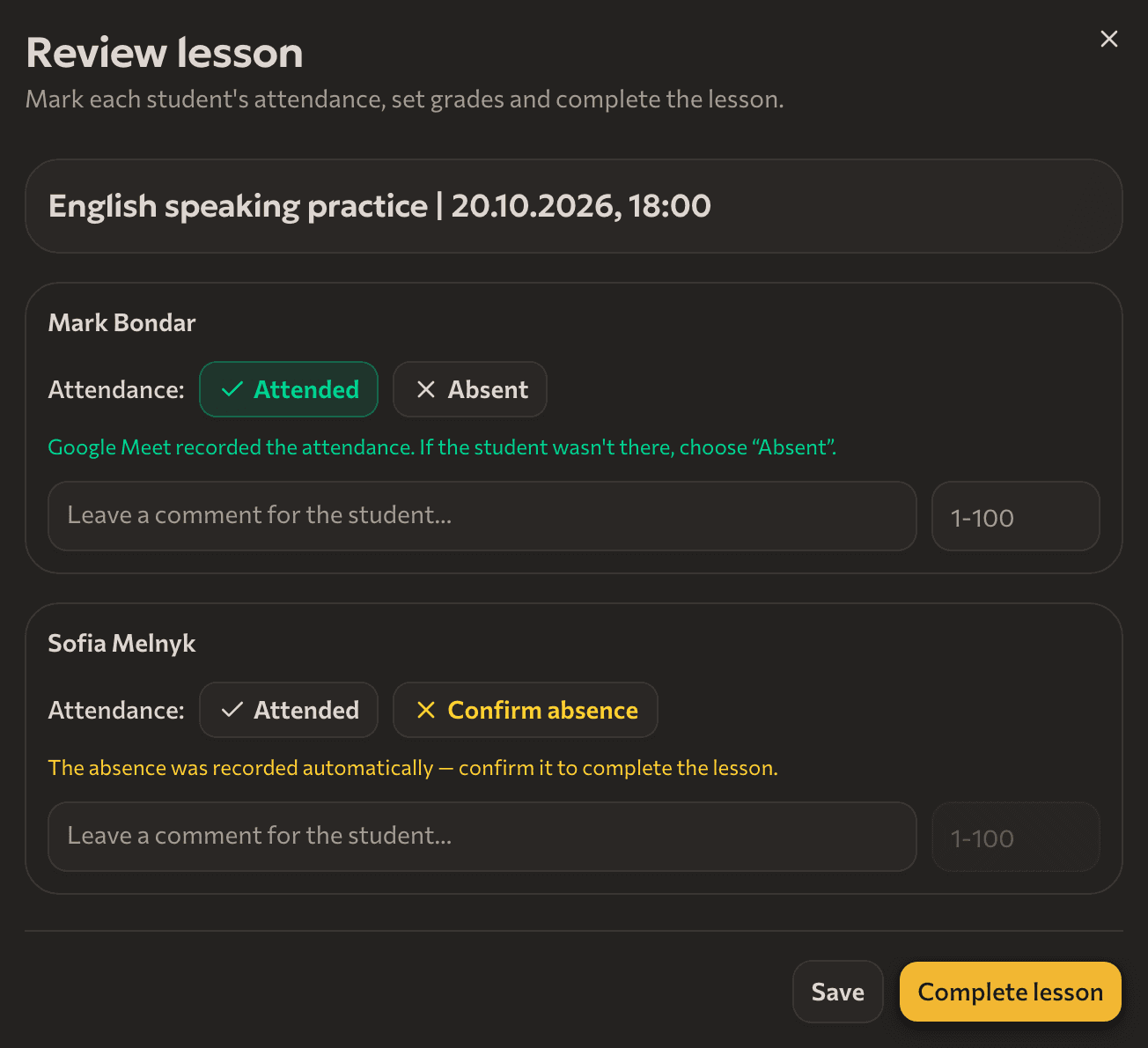
Attendance shows up after every lesson. On paid plans Paideia marks it from Google Meet data, on Free you mark it in one click.
- The lesson ends
- Paideia checks who joined Meet
- You confirm any no-show yourself
Start free, upgrade when you have more students
Yearly billing saves about 17%
Free
₴0
up to 5 students
Pro
Recommended₴449
per month · up to 30 students
Max
₴899
per month · up to 70 students
Business
Coming soon
up to 150 students
Frequently asked questions
For tutors who teach one-to-one and group lessons in any subject. If your subject is not on the list, write to us and we will add it.
On paid plans Paideia marks attendance from Google Meet data: students join with the Google email from their student card. On Free you mark it by hand in one click. You always confirm a no-show from Meet yourself, so no missed-lesson charge happens without you.
On Free, yes: meetings are created from your account, and Google limits group meetings from personal accounts to 60 minutes. On paid plans Paideia creates the meeting without that limit and you join as the host.
Yes. Add your own link when you plan the lesson. You then mark attendance by hand.
No. Students pay you the way you agreed, and from the Pro plan Paideia keeps the payment history, packages and invoices.
No. Paideia does not record or store meetings.

The first 50 tutors get Max for a month
Sign up and confirm your email: 30 days of Max at no cost. After that, you pick the plan.
Start for free- No bank card
- Free plan with no time limit
- In Ukrainian and English